Dispatch
Note
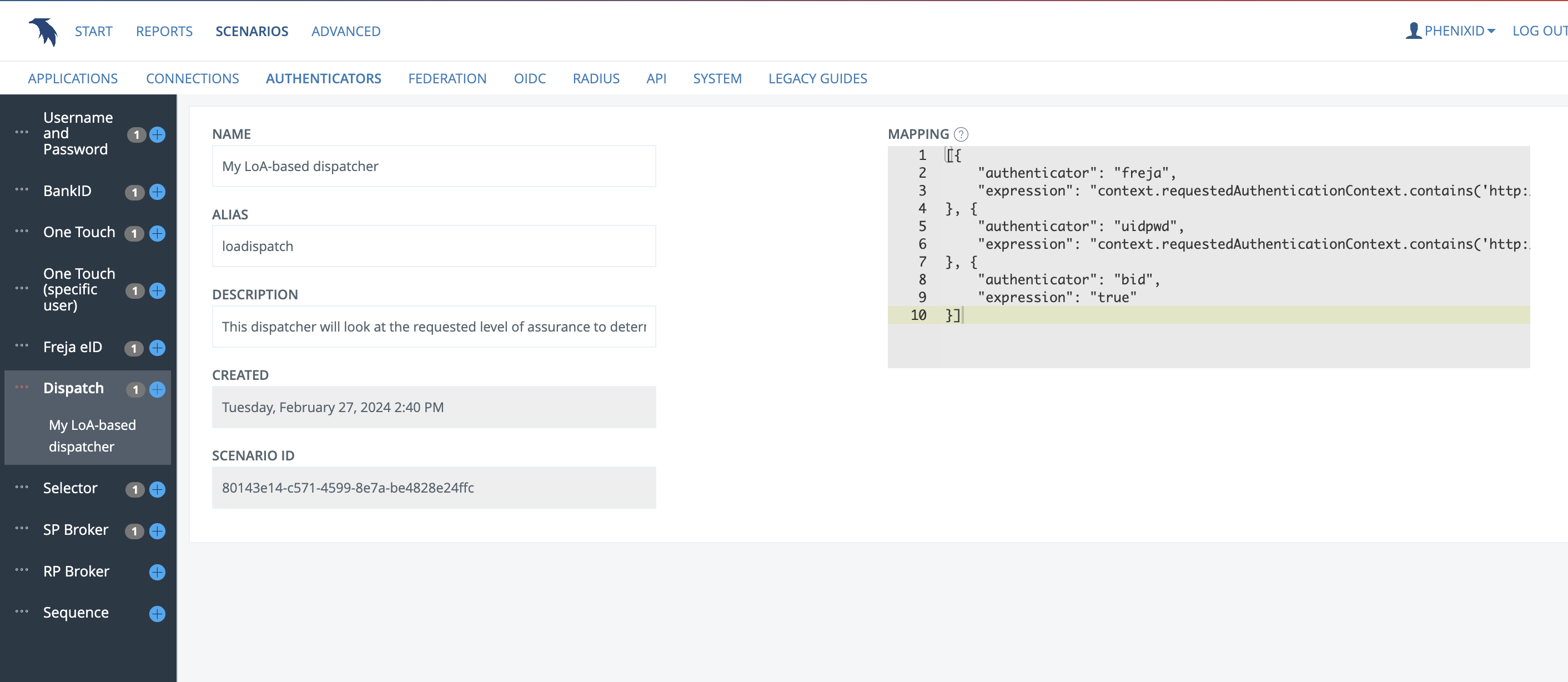
This guide scenario will create an authenticator that, based on an expression mapping, sends the authentication request to other configured authenticators. This requires that other authenticators have been configured before this one.
Name and Description
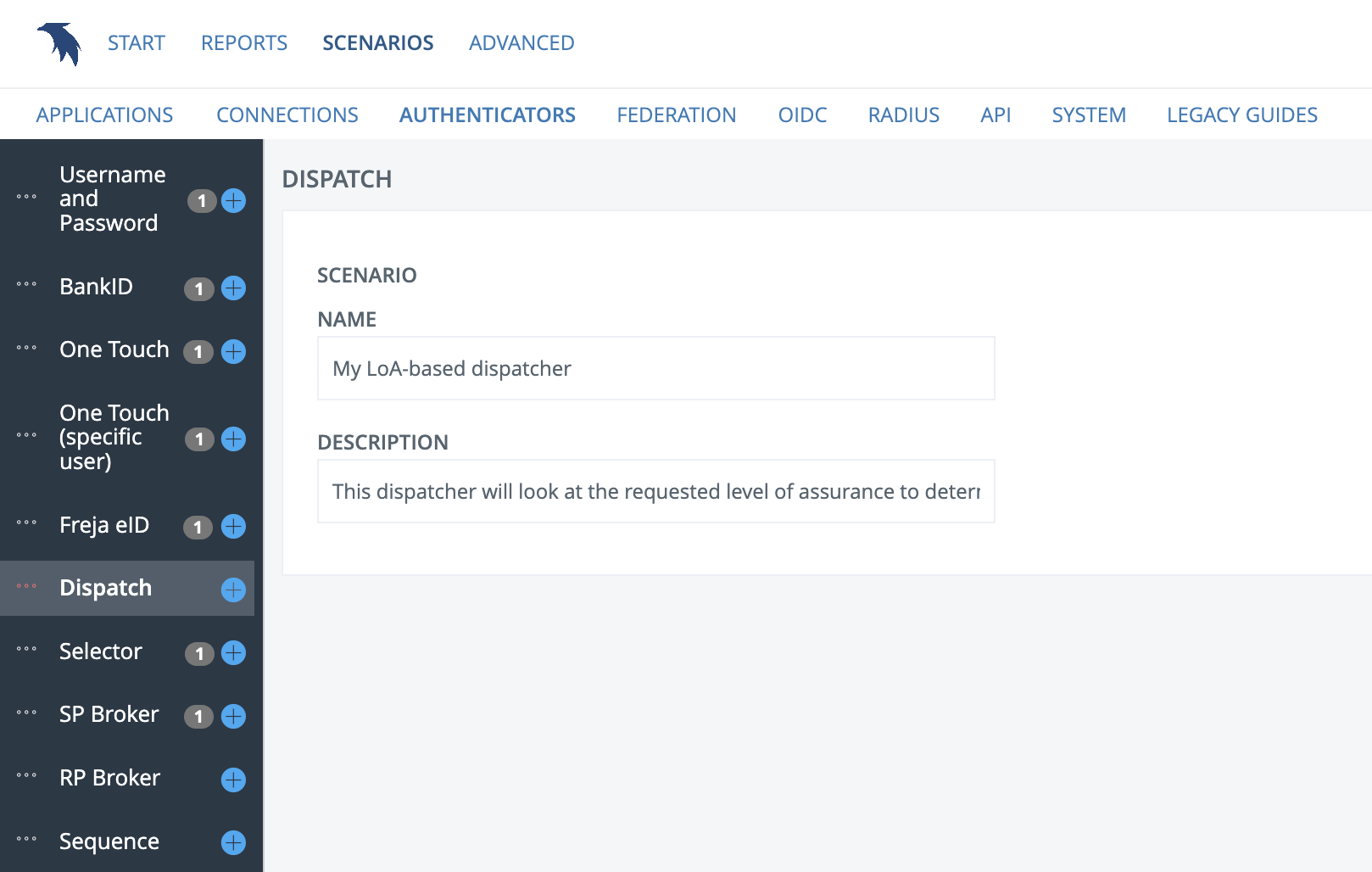
Input the name and description of your authenticator scenario
Alias
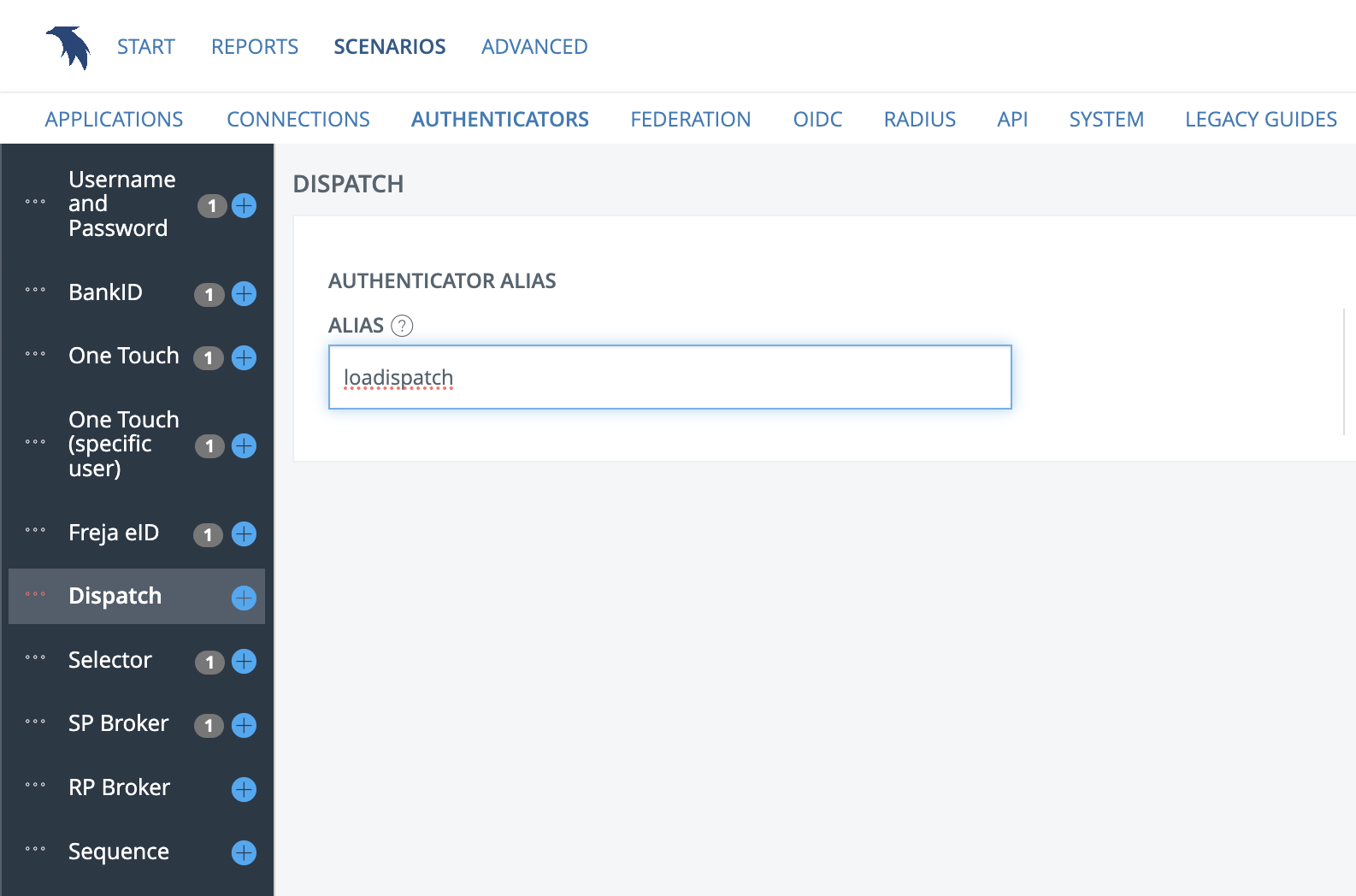
Here you enter an alias for your authenticator, which is a more user friendly version of the authenticator's ID (which is a random, auto generated UUID string).
The authenticators
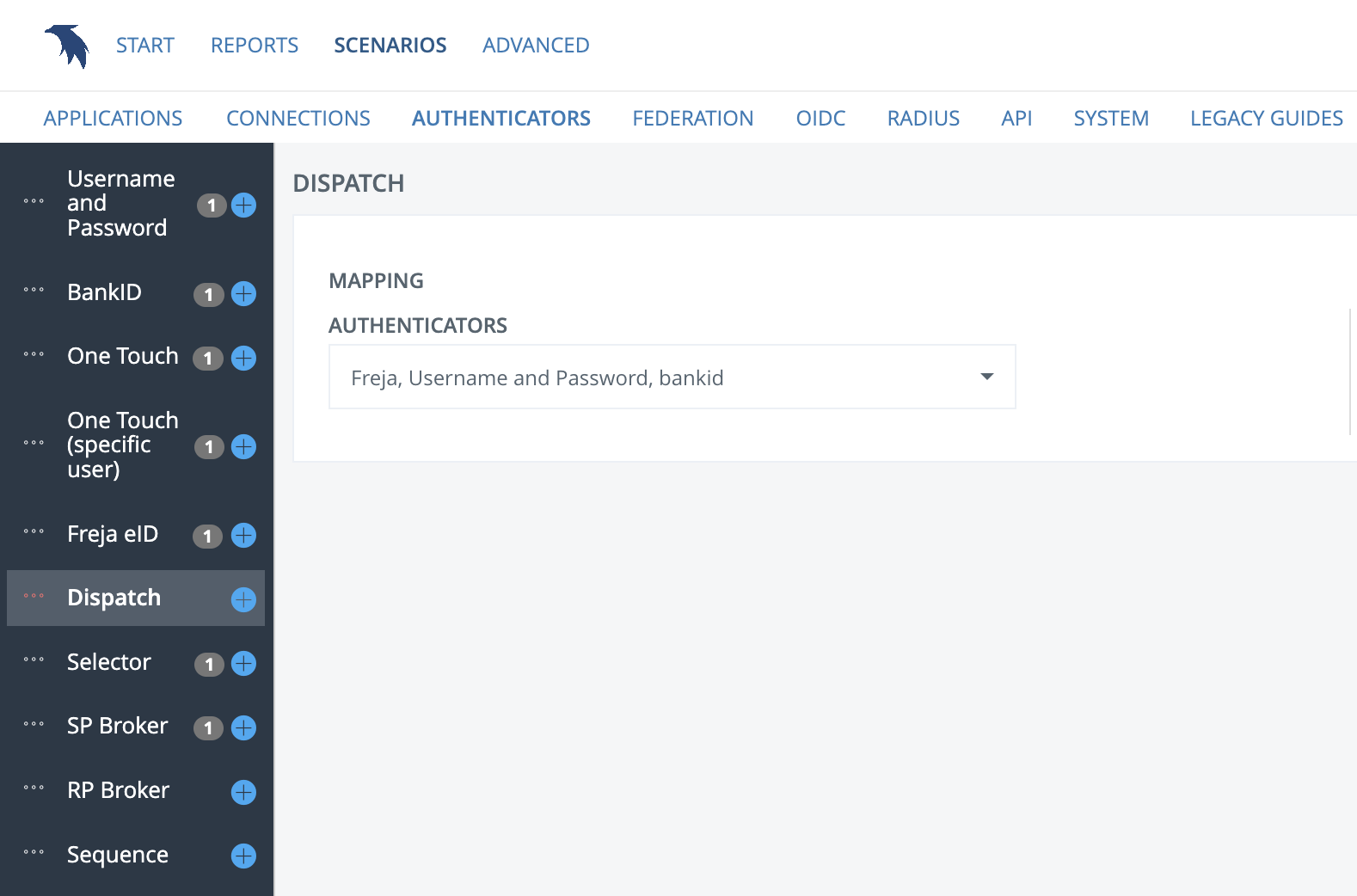
Select which authenticators you would like to include in your dispatch mappings.
The mapping
Write expressions that match which authenticator should be used in what scenario. See the authenticator documentation for AgnosticDispatcher for details on these expressions. An example used here is based on requested authentication context, where the mapping expression can look like the following:
{
    "authenticator": "freja",
    "expression": "context.requestedAuthenticationContext.contains('http://id.elegnamnden.se/loa/1.0/loa3')"
}, {
    "authenticator": "uidpwd",
    "expression": "context.requestedAuthenticationContext.contains('http://id.elegnamnden.se/loa/1.0/loa2')"
}, {
    "authenticator": "bid",
    "expression": "true"
}
So in this scenario, requests that contain the requestedAuthenticationContext http://id.elegnamnden.se/loa/1.0/loa3 will be sent to our authenticator with the alias "freja". Requests with a LoA 2 context will be sent to "uidpwd" and default will be BankID.
The expressions are evaluted in order, so if you put "true" at the last authenticator it will serve as the default. The order cannot be changed during the guide scenario, but will be editable once you finish the scenario.
The result
Upon finishing the guide scenario, you will be met with an edit page where you can adjust additional settings. Here you may change the order of the authenticators in the mapping directly.