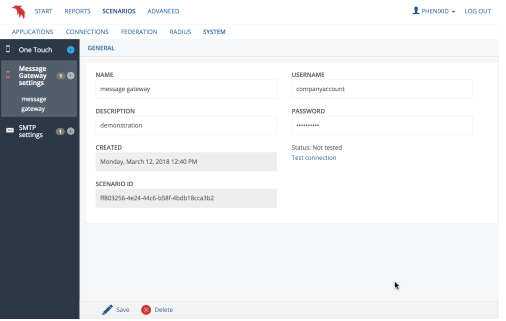
Message Gateway settings
Note
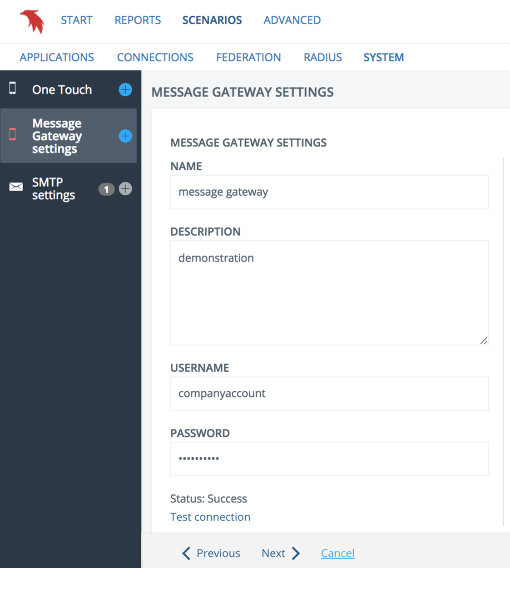
This document will guide you through the required steps to configure Message Gateway settings, which will allow the Clavister PAS to use the Clavister Message Gateway service to send SMS and voice messages to users.
Settings
Enter Clavister Message Gateway credentials. Credentials can be obtained from Clavister support.
Click 'Test connection' to verify username and password.
Finish
Click 'Create'
Edit configuration
Additional configuration or deletion is done by expanding the heading and clicking the desired name of what needs to be edited.