Export SAML signing certificate to a file
Overview
This document will guide you through the steps to export the SAML IdP Signing certificate to a file. This must be done if a SAML Service Provider requires you to manually save the certificate in their configuration.
Instruction
Open the SAML IdP metadata by going to this url:
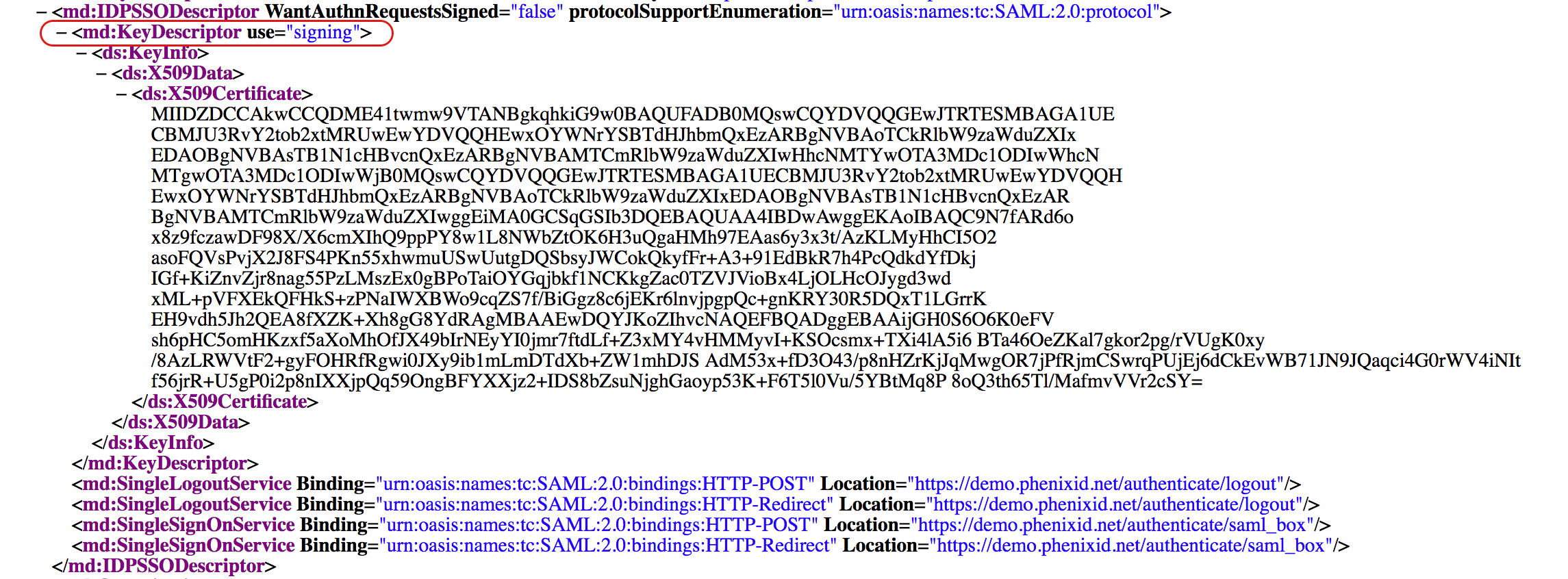
https://your_pas_url/authentication/saml/your_idp_name/metaLocate the certificate used for signing ("use=signing")
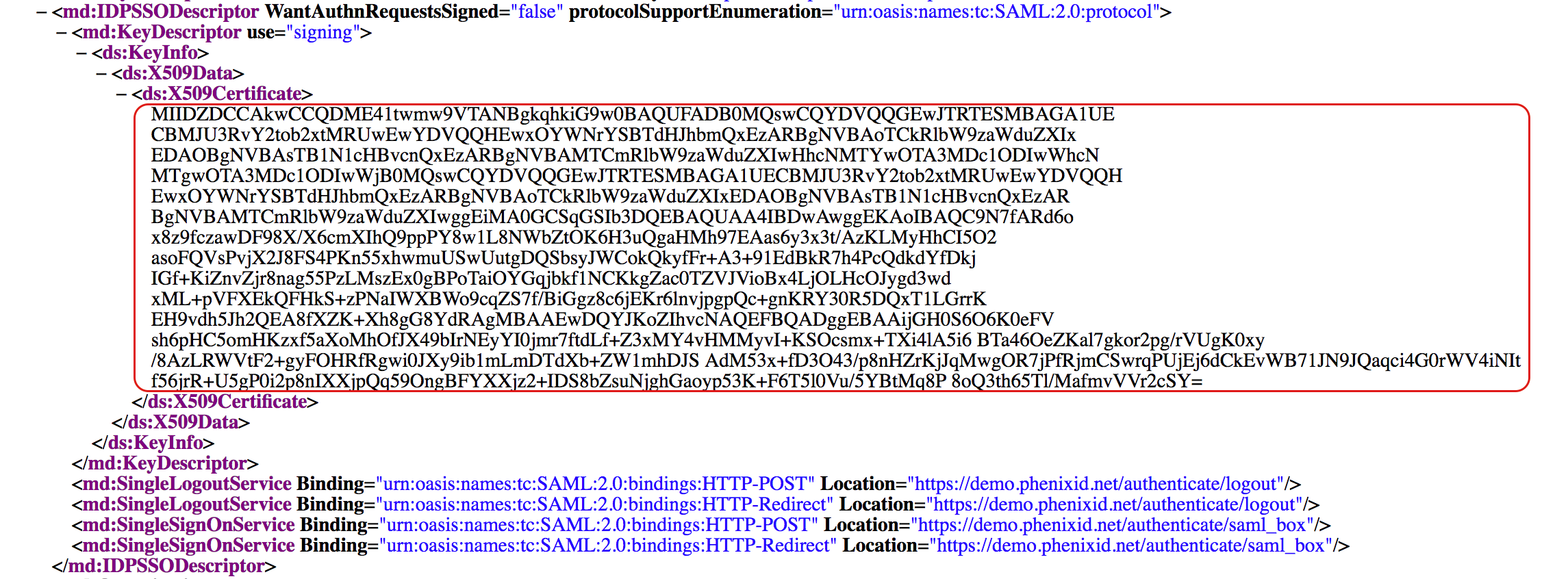
Copy the certificate data
Copy the pem template into text editor of your choice
template:
-----BEGIN CERTIFICATE-----
CERTIFICATE DATA
-----END CERTIFICATE-----
Replace the text “CERTIFICATE DATA” with the copied certificate data. It should look like this after the replace:
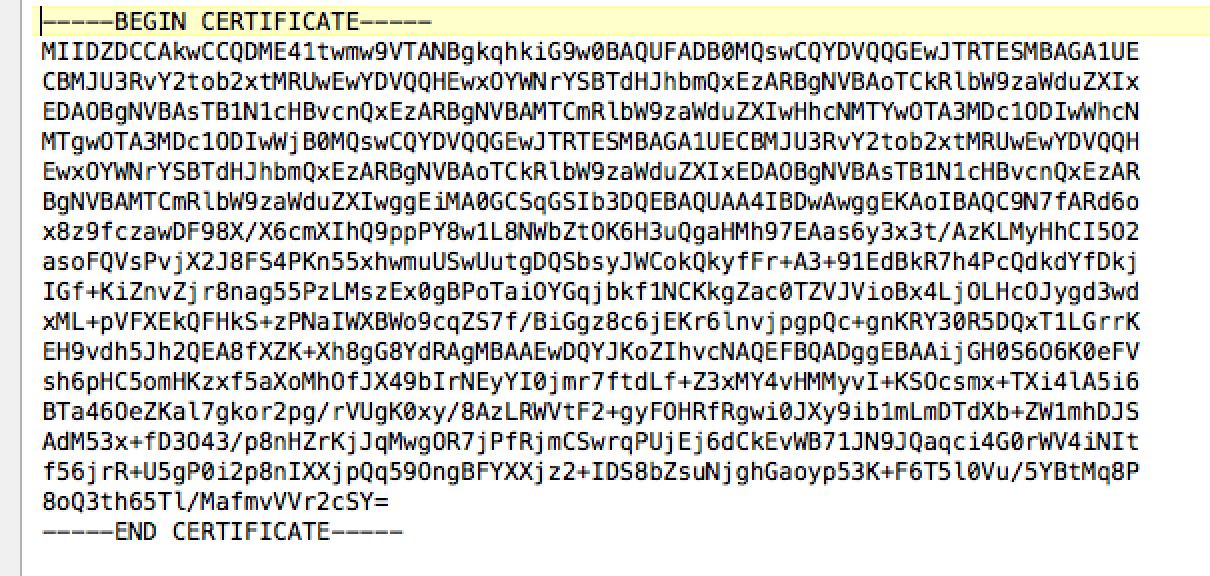
Save the file as idpsign.pem
Done!