IST/Extens MFA and SSO with PhenixID Authentication Services
Summary
This document will guide you through the steps to configure PhenixID Authentication Services to deliver multi-factor authentication and Single Sign-on (SSO) to IST/Extens ( https://www.ist.com/en).
System Requirements
- PhenixID Authentication Services 2.7 or higher
- PhenixID Authentication Services configured with a SAML Identity Provider connected to Skolfederation. Follow this step-by-step to add PhenixID Authentication Services to Skolfederation.
Instruction
Configure Execution flow for IST/Extens
Login to Configuration Manager
Click Scenarios, Federation.
Select your previously configured IdP for Skolfederationen.
Click Execution Flow
Prepare SAML<->User Store attribute mapping for IST/Extens using this guide. The SAML attributes to be sent to IST/Extens:
urn:oid:1.3.6.1.4.1.2428.90.1.5urn:oid:2.5.4.42urn:oid:2.5.4.4
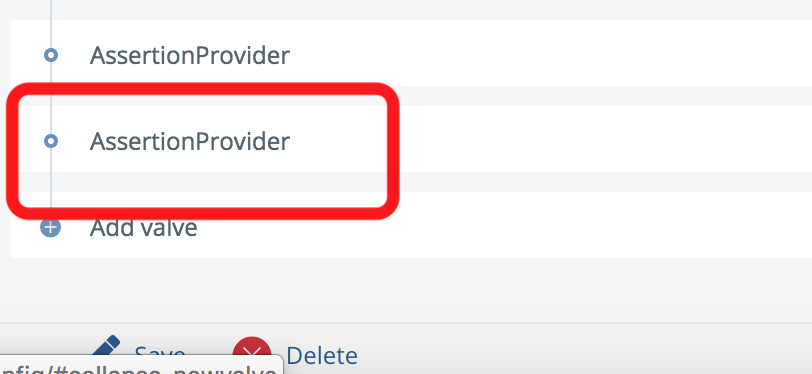
Expand the last execution flow and look for an existing AssertionProvider
Expand the AssertionProvider
Copy the Target Entity ID Value
Add new valve to the last execution flow (where the SAML Assertion is produced)
- Type=
AssertionProvider - Set Target Entity ID to the previously copied value
- Set NameID attribute =
urn:oid:1.3.6.1.4.1.2428.90.1.5 - Set Additional attributes =
urn:oid:1.3.6.1.4.1.2428.90.1.5,urn:oid:2.5.4.42,urn:oid:2.5.4.4
- Type=
On the Advanced tab of the valve you should limit the AssertionProvider to only be executed when authentication to IST/Extens is requested. Add this to Execute if expression:
flow.property('issuer').equals('https://city-bou.dexter-ist.com/City-bou')If you have multiple IST/Extens applications (SP:s) connected, increase the expression. Example:
flow.property('issuer').equals('https://city-bou.dexter-ist.com/City-bou') || flow.property('issuer').equals('https://fortboyard-bou.dexter-ist.com/Fortboyard-bou')The expression should be changed for your IST/Extens application(s) as that/those will have different issuer (entityID) values.
Save. Make sure the new AssertionProvider added is placed last in the Execution flow list.
Test
- Open a browser and open the IST/Extens authentication trigger URL.
- Your browser should be redirected to the PhenixID IdP
- Authenticate
- Verify that you are redirected to the IST/Extens application after login with a valid SAML Assertion. Please consult PhenixID for additional debugging if needed.